Account types: Bank, Cash, or Card
When you add an account — during setup, or later from Budget — you pick one of three types. Each one means something specific, not just a label.
The three types
Section titled “The three types”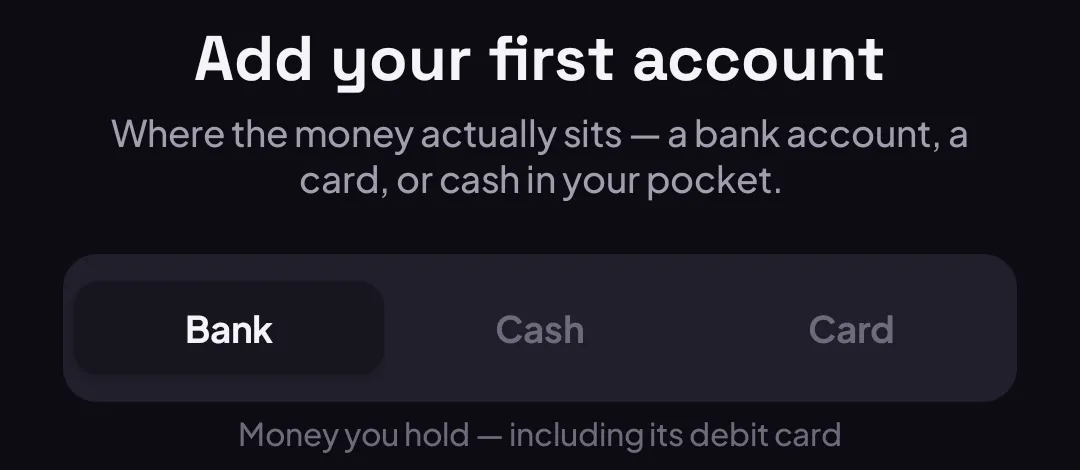
Bank — money you hold, including its debit card. This is the right choice for a checking account, a savings account you’re using day-to-day, or anything with a debit card attached.
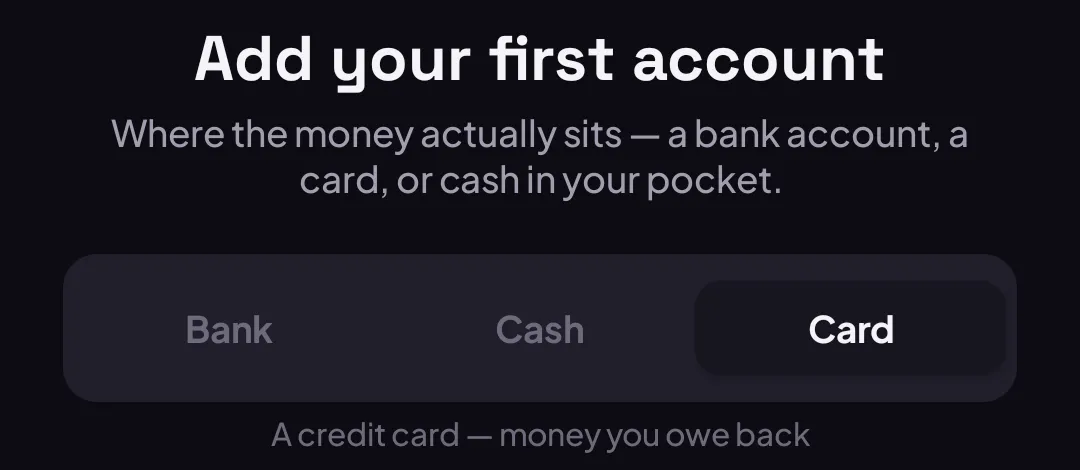
Card — a credit card. Unlike Bank, this is money you owe back, not money you hold — the app treats its balance the opposite way round.
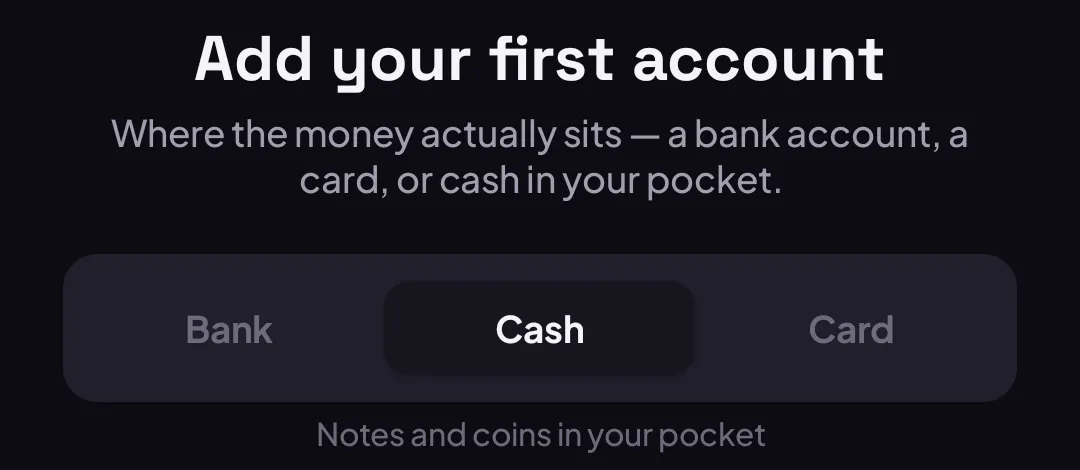
Cash — notes and coins in your pocket. No bank to pick, no card attached.
Filling in the rest
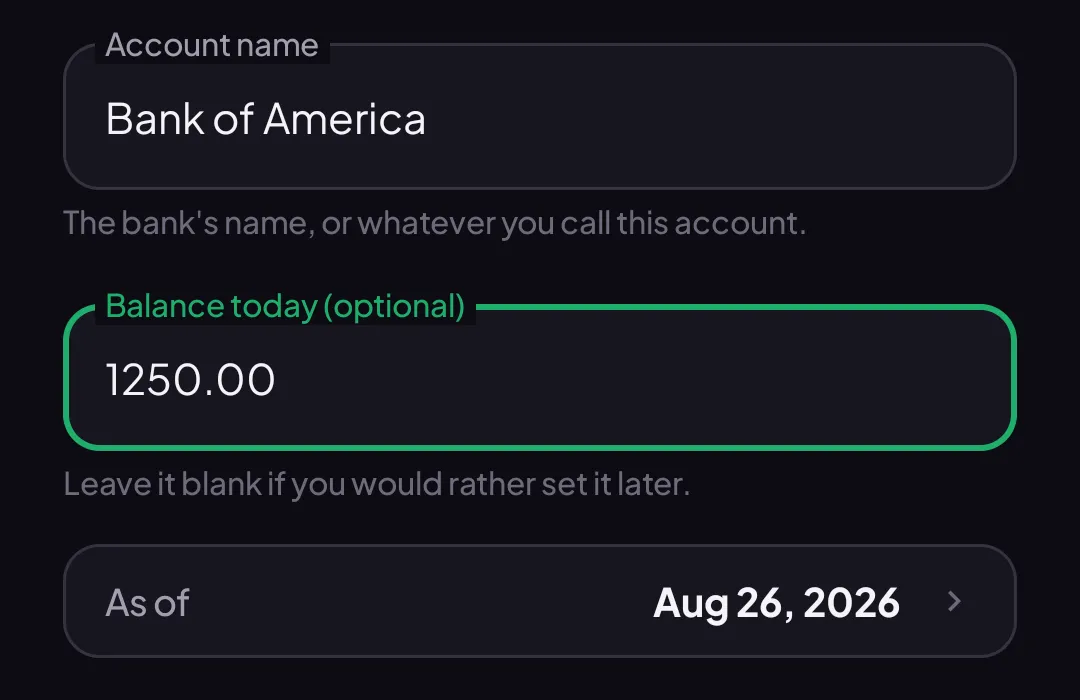
Section titled “Filling in the rest”For Bank and Card, pick the account’s currency, then search for its bank — typing the bank’s website works too if it’s not in the list. The account name pre-fills from the bank you picked, but you can change it to anything you’ll recognize.
The balance is optional. Leave it blank to start the account at zero, or type today’s balance — an As of date appears once you do, defaulting to today, so you can back-date it if the balance you’re entering is from a few days ago.
What’s not available yet
Section titled “What’s not available yet”Savings and Investment accounts exist on the web app, but not on mobile yet — they’ll come once mobile has a full account editor to match. If you need one of those today, add it from the web app instead; it’ll show up on mobile once it syncs.
Good to know
Section titled “Good to know”- An account’s currency doesn’t have to match your budget’s main currency — see Understanding your budget currency.
- Owing someone, or having someone owe you, isn’t a Card account — that’s a debt account, a separate kind of account entirely. See Track a debt.