Clean up merchant names
A till roll is a hard thing to read. The same supermarket can come back as MIGROS TICARET A.S.
one week and MIGROS Tİ CARET A.Ş. the next, and a shop that arrives under two names is two
merchants as far as your lists are concerned.
Fili handles most of that quietly, and asks you about the part that is a judgement call.
What happens without you
Section titled “What happens without you”When two names differ only in punctuation, spacing, accents or capital letters, they are the same name and Fili treats them as one. Nothing to confirm, nothing to notice — the second spelling simply lands on the merchant you already have, and so does every future receipt from that shop.
What Fili will not do on its own is decide that Migros and MIGROS TICARET A.S. are the same place. They almost certainly are, but “almost certainly” is your call, not the app’s.
Join the ones that are one place
Section titled “Join the ones that are one place”Open Settings and scroll to Merchant names. The row tells you whether there is anything waiting.
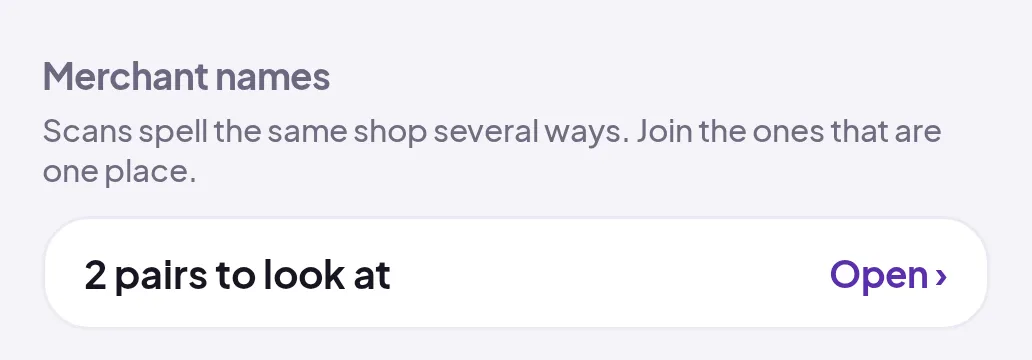
- Tap Open to see the pairs.
- Read the two names. Under each one is how many transactions it carries, and under the pair is why Fili put them together — one name starts the other, or one or two letters apart.
- If the name Fili proposes keeping is not the one you want, tap Swap.
- Tap Join.
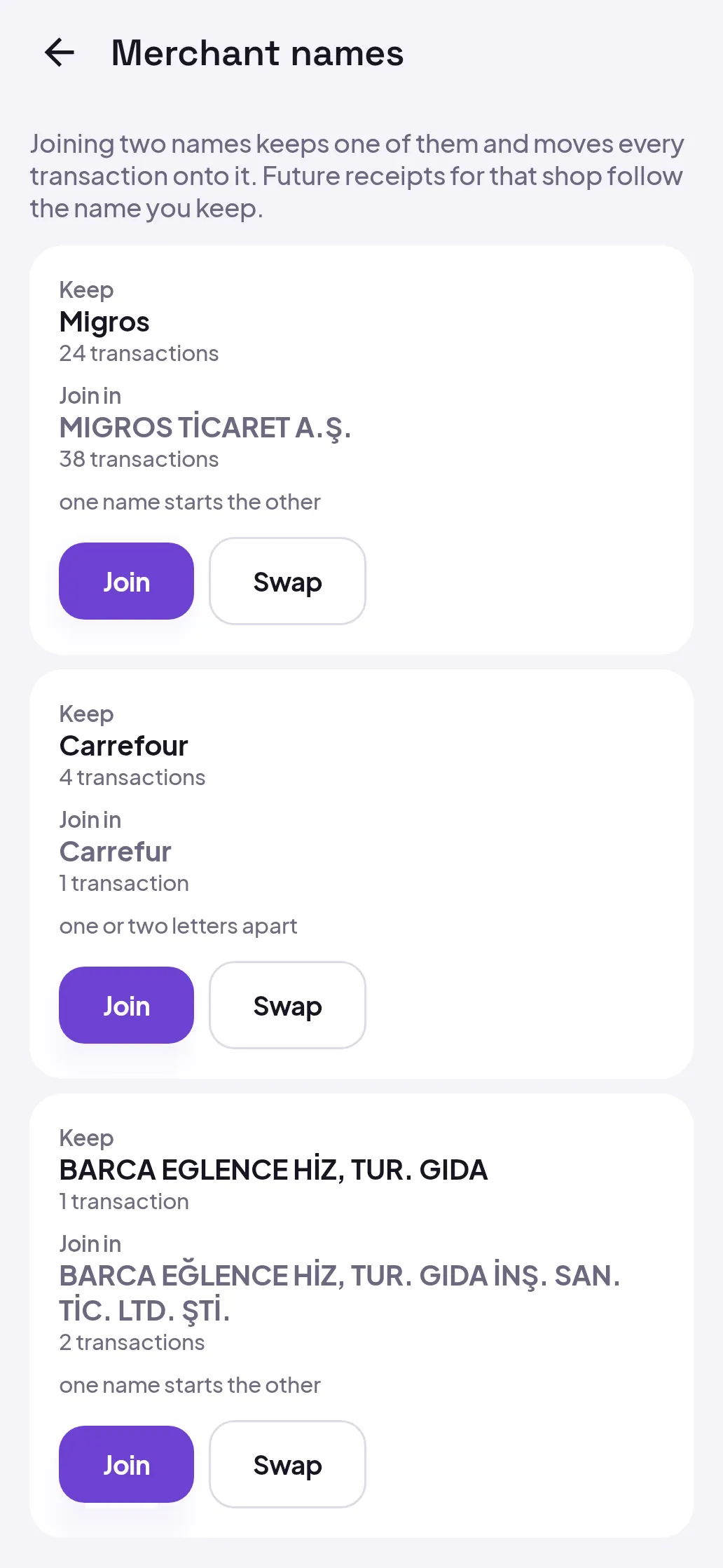
The pair disappears from the list and the two names are one from then on.
What joining does
Section titled “What joining does”The name you keep takes over every transaction from the other one, so a month of spending at one shop stops being split across two lines. The name you joined in is remembered rather than thrown away: next time a receipt arrives spelled that way, it goes straight to the name you kept, and so does any new mangling of it.
Nothing is deleted and no amount changes. If you had taught Fili a category for either name, that memory survives the join.
Good to know
Section titled “Good to know”- A receipt keeps what is printed on it. The receipt screen shows the shop’s name as the paper spells it, next to the photo. It is the lists — receipts, transactions, the Payee field — that show the name you chose.
- Joining needs a connection. It is the one thing on this screen that does not work offline; the card says so instead of pretending to queue.
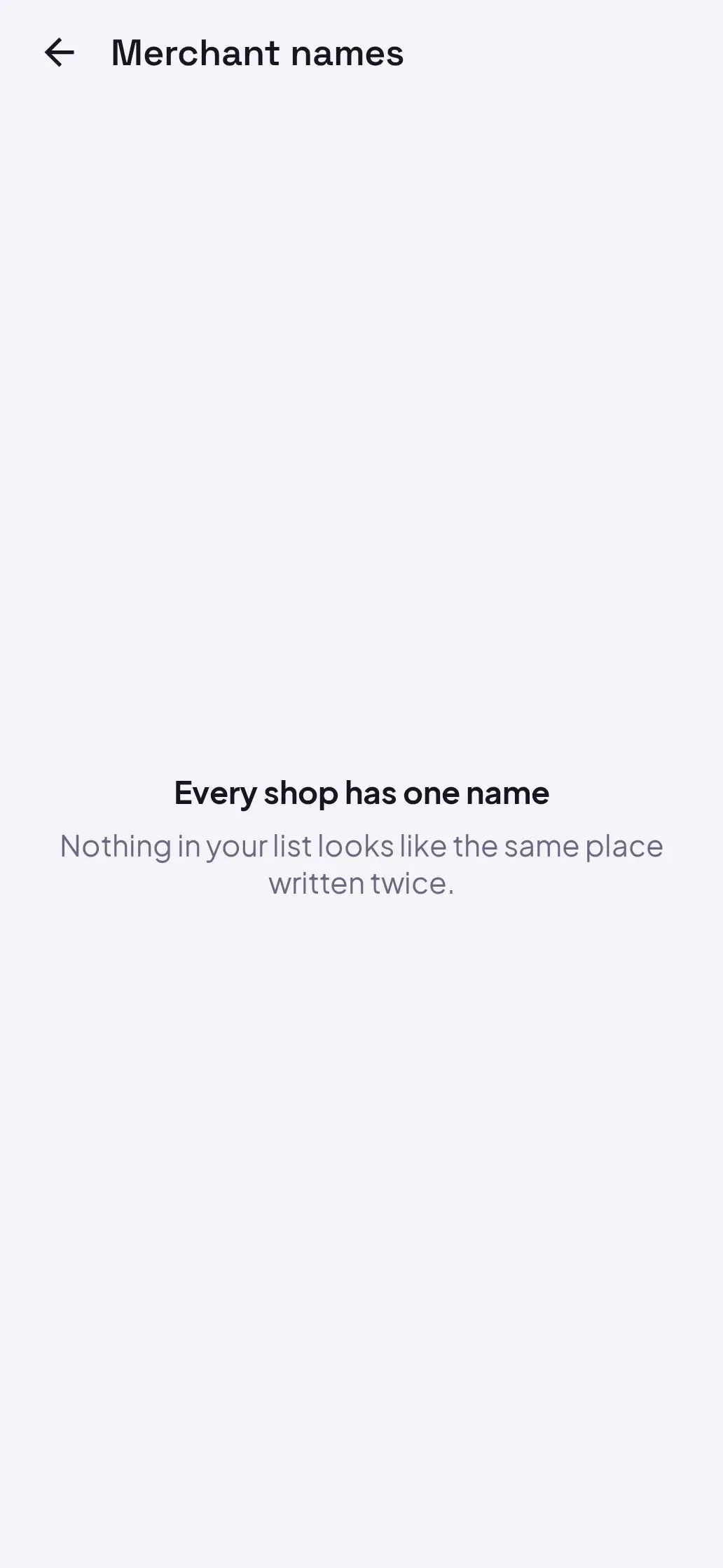
- An empty list is the normal state. Most of the time there is nothing to join, and the screen says that rather than inventing work.
- On the web, the same pairs appear on Payee Library as a banner above the list, with the same Merge action.